Meeting Notes → Action Plan — Ready-to-Use Tool
Paste meeting notes, get a structured action plan with decisions, tasks, blockers, and next agenda.
Works 100% Offline
No server. No account. No deployment. Open in any browser and run.
About This Pocket Tool
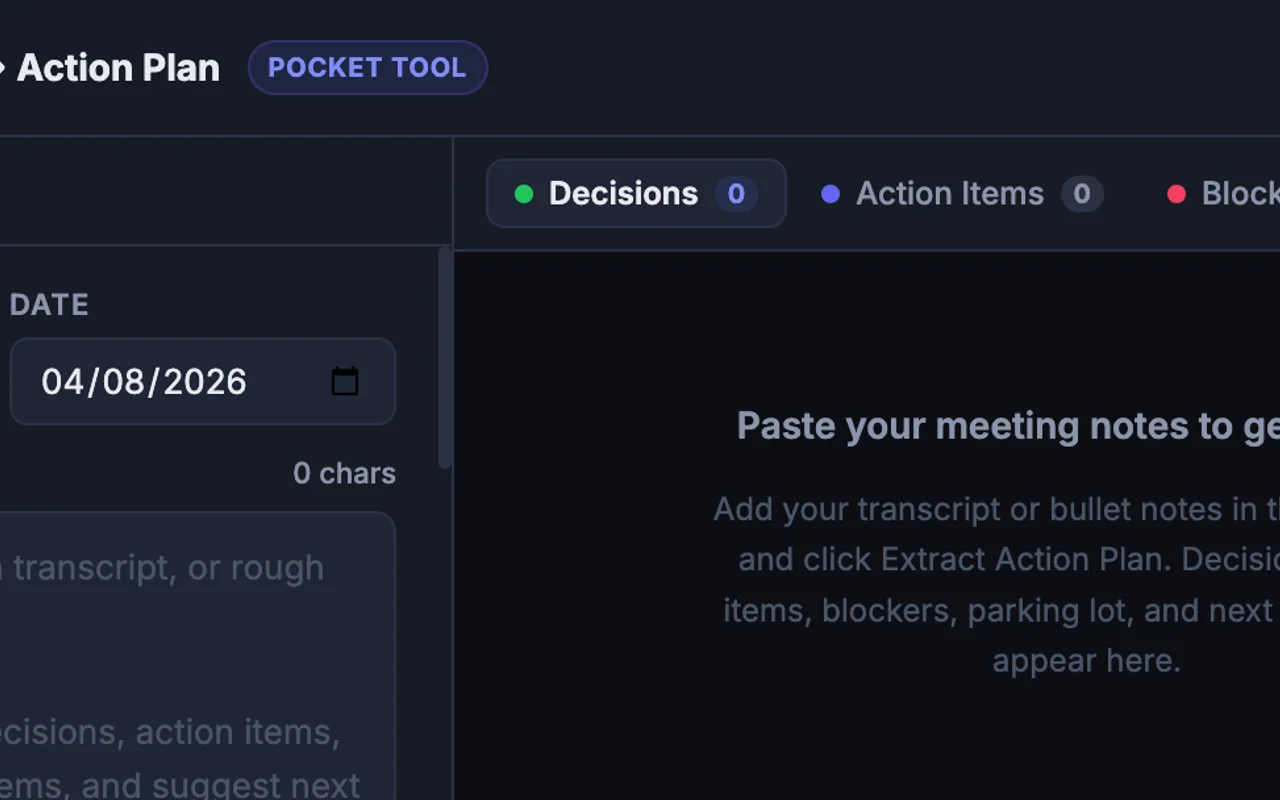
A polished single-file HTML tool that transforms raw meeting notes or transcripts into a complete structured action plan. Open in any browser — no install, no account required. Paste your notes, click Extract, and get five organized sections: Decisions, Action Items (each with owner and due-date fields you can edit), Blockers, Parking Lot, and a suggested Next Agenda. Copy the full plan to Slack, Notion, or email in one click, or download it as a Markdown file. Optional: connect your Claude, OpenAI, or Gemini API key for fully automated extraction. Without a key, the tool generates an optimized copy-paste prompt you can drop into any AI.
What's Included
- Single .html file — download and open in any browser
- Five structured sections: Decisions, Action Items, Blockers, Parking Lot, Next Agenda
- Editable action item cards with owner and due-date fields
- Copy All button: exports full plan as formatted plain text
- Download .md button: saves the plan as a Markdown file
- Optional API key input (Claude / OpenAI / Gemini) for automated extraction
- Fallback mode: generates an optimized copy-paste prompt when no API key is provided
- Works fully offline — no network requests at open-time
Also Available
Browser Compatibility
This tool runs in any modern browser:
One-time purchase · Instant delivery
Single .html file — no install, no server
Works offline in any modern browser
Instant delivery after purchase